
In development · not yet available
One line from any app.One inbox for all of them.
Send notifications from scripts, CI and AI agents with one HTTP request. Receive them in one inbox, and see whether each one was delivered, read and confirmed.
curl "$PUSHLING_URL/1/messages.json" \
-F "token=$APP_TOKEN" -F "user=$USER_KEY" \
-F 'title=Deploy finished' \
-F 'message=Production is up to date'
{"status":1,"request":"…"}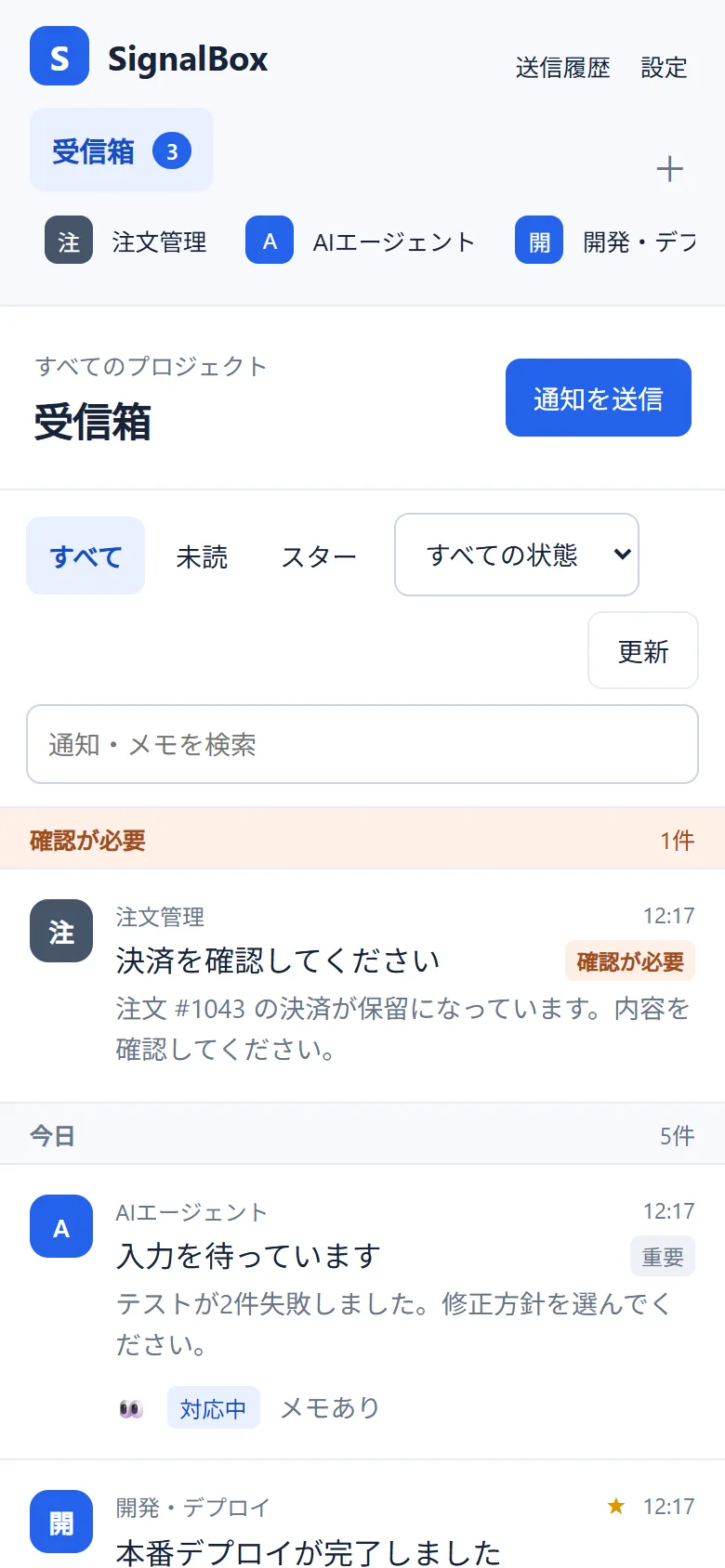
Hand this to your AI agent
Paste it into any coding agent to add Pushling to a project.
Read https://pushling.com/llms.txt and add Pushling to this project: notify me when long tasks finish or fail, and ask me before anything irreversible.
Answer from the notification.
Add choices to a notification and the receiver answers with one tap. Your script or agent waits for the answer.
curl "$PUSHLING_URL/1/messages.json" \
  -F "token=$APP_TOKEN" -F "user=$USER_KEY" \
  -F 'message=Run the migration?' \
-F 'answers=Approve|Deny'- Up to four answers, an optional text reply, or both.
- The first answer from any device is the one recorded.
- No answer before the deadline counts as no.
- Agents use ask_user and wait_for_answer; scripts use pushling ask.
Answer on the web and Android today. iOS is in development.
Send from the tools you already use.
APIOne request from any language.curl "$PUSHLING_URL/1/messages.json" \
-H 'content-type: application/json' \
-d '{"token":"…","user":"…",
"title":"Check payment",
"message":"1 payment is unconfirmed",
"priority":2,"retry":60,"expire":3600}'CLIFrom your terminal or shell scripts.pushling send \
--title "Nightly backup" \
--message "Failed" \
--priority 1MCPLet AI agents send and read delivery logs.{
"mcpServers": {
"pushling": {
"type": "http",
"url": "$PUSHLING_URL/mcp",
"headers": {
"Authorization": "Bearer …"
}
}
}
}Development API. Names and endpoints may change.
Five priority levels.
-
-2History only
No push. Appears at the next sync.
-
-1Quiet
Delivered without sound.
-
0Normal
Respects quiet hours.
-
1High
Sounds even during quiet hours.
-
2Needs confirmation
Repeats every 30 s to 3 h until someone confirms.
Pushling does not override Focus or silent mode.
Everything a notification needs.
Images
PNG, JPEG, WebP or GIF up to 5 MB.
Links
A URL with its own title.
Expiry
Expires after the time you set.
Sounds
Default, soft, bright or silent.
Quiet hours
Each receiver sets their own.
Device targeting
Every device, or just one.
No duplicates
One idempotency key, one notification for 24 hours.
Projects
Separate keys per app, sorted in one inbox.
Private notes
Emoji, notes and status stay on your device.
Not yet supported: HTML formatting, callbacks, end-to-end encryption and group delivery.
“Delivered” is not the end.
Each stage is recorded separately, so you can see where a notification stopped.
-
ACCEPTEDAccepted
Recorded once, with a key against duplicate sends.
-
PUSHEDPush service
Accepted by Web Push, FCM or APNs.
-
STOREDSaved on device
Text and image saved before receipt is reported.
-
READRead
Opened in the inbox.
-
CONFIRMEDConfirmed
A person confirmed an emergency. The sender can check it.
Emergencies only -
DONEDone
Your own task status, kept on this device.
This device only
Receive on the devices you already use.
Web
Syncs while open. Web Push supported.
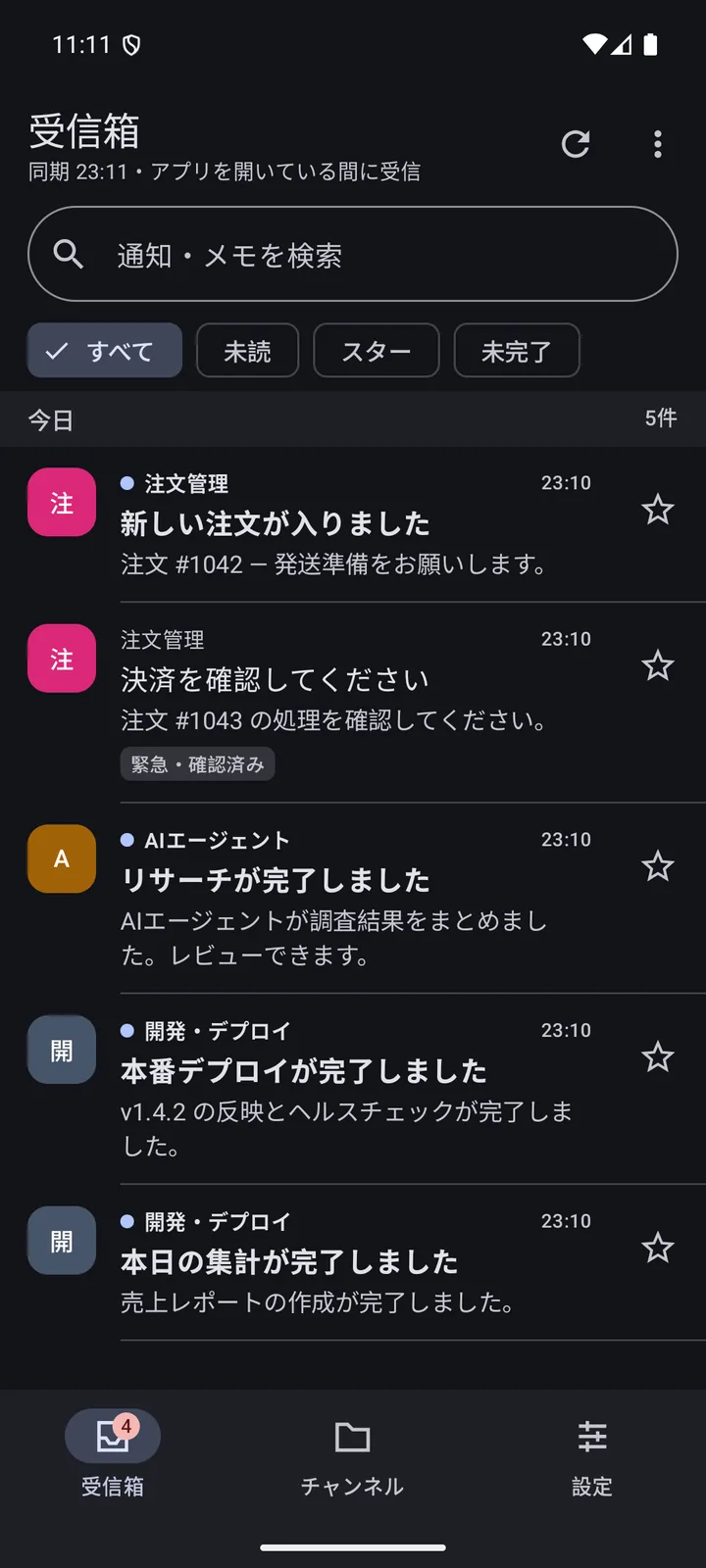
Android
Background delivery through FCM in testing.
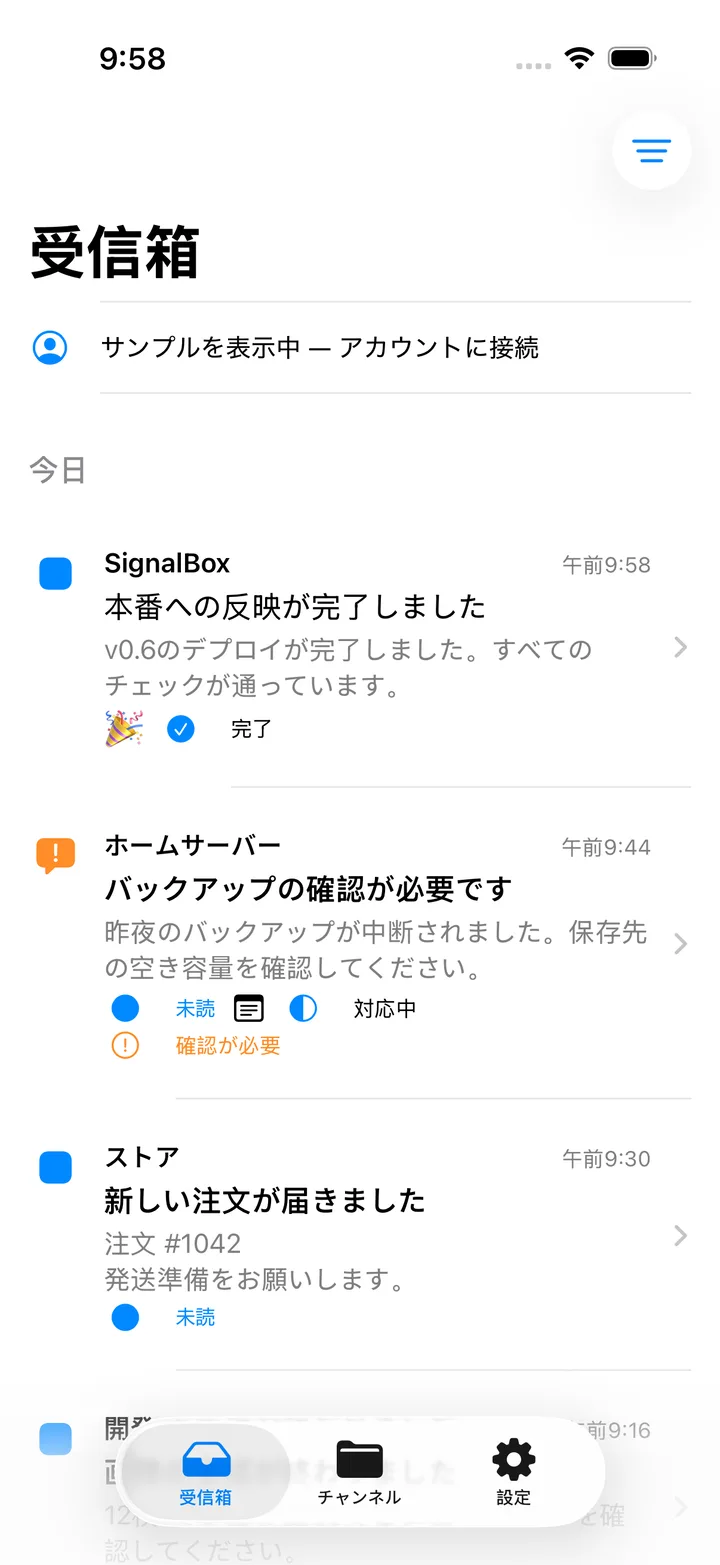
iOS
APNs delivery tested on real devices.
Development builds with test data. Some screens predate the Pushling name.
Buy once. Subscribe only to keep history.
Basic
One-time purchase
- Sending, receiving and on-device history
- Private notes, emoji, status and channels
- Manual backup and import
Premium
Optional subscription (planned)
- History kept on the server
- Shared comments and status
- Cloud sync between devices
Prices and release dates are not decided. Ending Premium never removes Basic or on-device history.
Questions
- When can I use it?
- Not decided yet. Purchases and sign-ups are not open.
- Is it compatible with Pushover?
- No. It follows Pushover’s public API closely, with similar parameters and the same five priority levels, but it is an independent service with its own keys.
- Can AI agents send notifications?
- Yes, and they can ask you questions too. Connect the MCP server for ask_user and wait_for_answer, or have the agent call the HTTP API described in llms.txt.
- Will notifications arrive instantly?
- We aim for fast delivery, but push services and devices can delay it. The delivery record shows how far each one got.
- Where does it run?
- On Cloudflare.